

Xink vs Opensense: Email Signature Management Compared
Opensense offers an easy-to-use platform to manage your company email signatures, email ad campaigns, sales tracking, and compliance.

What's the difference?
See how Opensense stacks up in features in comparison to

Openense helps marketing, sales, and IT teams unlock the power of employee email to drive revenue, build brand, and strengthen security and compliance across every message.


Microsoft 365, Google Workspace, and Outlook (plugin based)



What's the difference?
See how Opensense stacks up in features in comparison to
Openense helps marketing, sales, and IT teams unlock the power of employee email to drive revenue, build brand, and strengthen security and compliance across every message.
Microsoft 365, Google Workspace, and Outlook (plugin based)
Overview of Xink
Xink is an email signature management platform founded in 2009 and headquartered in Hellerup, Denmark. The company was one of the earlier entrants in the email signature management space and has primarily built its product around the Microsoft ecosystem. Xink offers centralized signature management with Azure Active Directory synchronization, allowing IT administrators to deploy consistent signatures across Microsoft 365 and Outlook. The platform also provides basic marketing banner functionality, enabling organizations to include promotional images in employee email signatures.
Xink has carved out a niche among European organizations, particularly those in the Nordic region, that operate primarily within Microsoft environments. The platform handles fundamental signature management tasks including template creation, department-based rules, and directory-synced employee data. For organizations that need a focused, Microsoft-centric signature management tool without extensive marketing automation, Xink offers a streamlined experience. The company operates as a smaller, independent vendor, which appeals to organizations that prefer working with specialized providers rather than larger enterprise platforms.
Key Differences Between Xink and Opensense
Platform Support
Xink was built with a strong Microsoft focus. While the platform lists Google Workspace and Apple Mail support, its deepest integrations and core architecture revolve around Microsoft 365 and Azure Active Directory. Opensense was designed as a true cross-platform solution from the ground up, providing native and equally robust support for Microsoft 365, Google Workspace, Exchange on-premise, and mobile devices. Organizations running a mixed environment, which is increasingly common after mergers, acquisitions, or department-level platform choices, will find Opensense delivers consistent functionality regardless of which email platform any given team uses.
Deployment and Signature Delivery
Xink uses a combination of plugin-based and server-side approaches depending on the email platform. For Outlook, Xink relies on an add-in that applies signatures within the mail client. Opensense uses server-side signature injection across all supported platforms, meaning signatures are applied at the mail server level before the email reaches the recipient. This eliminates the dependency on client plugins and ensures that every outgoing email, including those sent from mobile devices, shared mailboxes, aliases, and forwarded messages, displays the correct signature. Server-side injection also removes the risk of employees disabling or modifying their signatures locally.
Marketing Campaigns and CRM Integration
Xink provides basic banner management that allows organizations to add promotional images beneath email signatures. These banners can be assigned by department or group and scheduled for specific time periods. Opensense extends email signature marketing into a full campaign platform with native Salesforce and HubSpot integrations, ABM targeting based on CRM data, A/B testing of banner creative, and dynamic content personalization. Marketing teams using Opensense can target banners based on deal stage, account industry, prospect geography, or any CRM field, turning every employee email into a precision marketing channel that Xink's basic banner rotation cannot match.
Analytics and Compliance
Xink offers basic reporting on signature deployment and banner clicks. Opensense provides comprehensive analytics including multi-recipient tracking, buyer intent signals, and engagement data that syncs back into your CRM for sales follow-up. On the compliance side, Opensense holds SOC 2 certification across all five trust principles and supports Microsoft GCC High for government contractors and organizations subject to FedRAMP and ITAR requirements. These enterprise security capabilities are critical for organizations in regulated industries and represent a level of compliance infrastructure that smaller vendors like Xink typically do not provide.
Who Should Choose Xink?
Xink is a reasonable choice for small-to-mid-size organizations based in Europe that operate exclusively within the Microsoft ecosystem and need straightforward email signature management. Companies that prefer working with a smaller, specialized vendor, have basic signature standardization requirements without deep marketing needs, and primarily want IT-controlled signature deployment in Outlook and M365 will find Xink a capable solution. It is a focused product that does the fundamentals of Microsoft-centric signature management without the complexity of broader marketing features.
Who Should Choose Opensense?
Opensense is the better choice for organizations that need cross-platform email signature software with consistent support across Microsoft 365, Google Workspace, and mobile devices. Marketing and revenue teams that want CRM-integrated banner campaigns with A/B testing, audience segmentation, and buyer engagement analytics will find capabilities in Opensense that Xink does not offer. Organizations in regulated industries requiring SOC 2 compliance or GCC High support need Opensense. And any company that views employee email as a measurable marketing and sales channel, not just a branding exercise, will get significantly more value from Opensense's platform.
Frequently Asked Questions
Can I migrate from Xink to Opensense?
Yes. The Opensense onboarding team handles the complete migration, including rebuilding your existing signature templates, importing employee data from Azure Active Directory or Google Workspace, and configuring deployment rules to match your current setup. Most migrations are completed within a few business days with no disruption to email flow. Your employees continue sending fully branded emails throughout the transition. Check our case studies to learn how other organizations have switched from legacy signature tools.
Does Opensense support Azure Active Directory?
Yes. Opensense integrates with Azure Active Directory for user synchronization, allowing IT teams to automatically assign signatures based on department, title, location, and other directory attributes. Opensense also supports Google Workspace directory sync and SCIM provisioning, giving IT administrators flexible options for user management regardless of their identity provider. Learn more about our Microsoft 365 integration.
How does Opensense pricing compare to Xink?
Pricing depends on your organization's size and feature requirements. Contact Opensense for a custom quote. An important consideration when comparing costs: Opensense includes advanced marketing features, CRM integration, ABM campaign targeting, A/B testing, and buyer intent analytics, as part of the platform. Achieving similar functionality with Xink would require supplementing with third-party tools, which adds cost and complexity. For organizations that plan to use email signatures as a marketing channel, the total cost of ownership with Opensense is often more favorable than it appears from list price alone.
See the difference today!
Form loading... Request a demo
Why choose Opensense?

Enterprise-grade Product
Backed by Bloomberg and built on ultra-redundant multi-cloud environment with fine-grain access and control.

Enterprise-grade Support
24/7 US-based support (phone & email), dedicated Customer Success Managers, and technical contacts.

Enterprise-grade Security
SOC2 compliant, McAfee Enterprise Ready certified, AppExchange approved, with independent security audits.
Used by the brands you depend on



Security
We comply with global data protection and security frameworks.
We know your data is sensitive. That's why we combine enterprise-grade security features with regular audits to ensure that you're always protected.



Guard your brand. Grow your funnel.
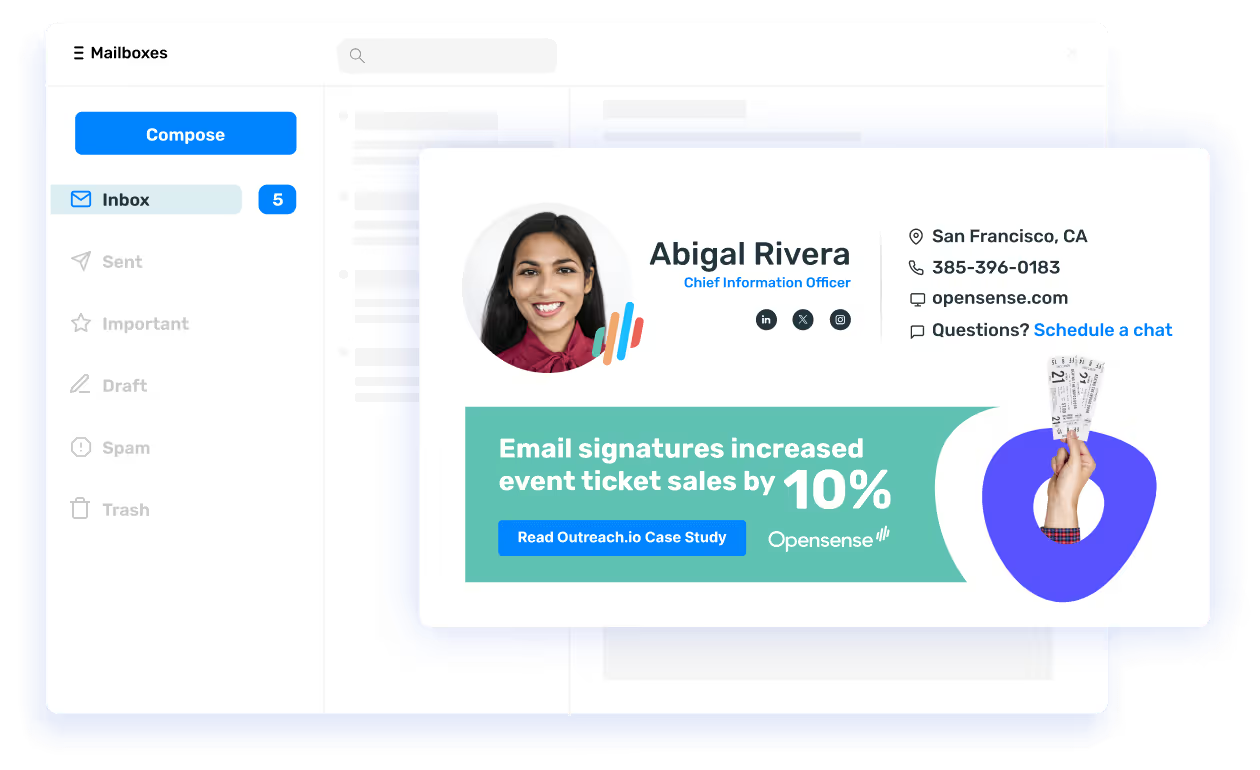
From beautiful email signatures and powerful ad campaigns to sales analytics and email compliance, Opensense can help you make the most of employee email.
Get demo