

WiseStamp vs Opensense: Enterprise Email Signatures Compared
WiseStamp's browser plugin works for individuals. Opensense's server-side platform works for enterprise teams of 500 to 50,000+ with centralized control, compliance, and marketing capabilities.

What's the difference?
See how Opensense stacks up in features in comparison to

Openense helps marketing, sales, and IT teams unlock the power of employee email to drive revenue, build brand, and strengthen security and compliance across every message.


Google Workspace and Microsoft 365 (plugin based)



What's the difference?
See how Opensense stacks up in features in comparison to
Openense helps marketing, sales, and IT teams unlock the power of employee email to drive revenue, build brand, and strengthen security and compliance across every message.
Google Workspace and Microsoft 365 (plugin based)
Overview of WiseStamp
WiseStamp was founded in 2009 in Tel Aviv, Israel, and took a different approach to email signatures than most enterprise solutions. Rather than server-side management, WiseStamp built its product around a browser plugin and extension model. This approach made it easy for individuals and small teams to add professional email signatures to Gmail and Outlook without involving IT departments or modifying mail server configurations.
WiseStamp is a popular entry point for email signatures, particularly among freelancers, small businesses, and individual professionals. The platform offers an affordable, self-service experience with a simple template editor and basic banner support. For individuals or small teams looking for a quick, low-cost way to add branded signatures to their emails, WiseStamp delivers a straightforward solution. For a full analysis, read our Opensense vs WiseStamp blog post.
Key Differences Between WiseStamp and Opensense
Architecture: Plugin vs. Server-Side
This is the fundamental architectural difference between the two platforms. WiseStamp operates as a browser plugin or extension that modifies outgoing emails on the client side. Opensense uses server-side injection that applies signatures after the email leaves the sender's device but before it reaches the recipient. This distinction has far-reaching implications:
- Mobile coverage: Server-side signatures appear on every email, including those sent from iPhone Mail, Android Mail, and mobile Outlook. Browser plugins do not run on mobile email clients, so WiseStamp signatures are missing from mobile-sent emails.
- Shared mailboxes and aliases: Server-side injection covers shared mailboxes, distribution lists, and email aliases automatically. Plugin-based solutions only work in the specific browser where the plugin is installed.
- Forwarded emails: When an email is forwarded, Opensense can apply or update signatures on the forwarded message. Browser plugins cannot intercept forwarded emails sent from other clients.
Scale: Individual vs. Enterprise
WiseStamp was designed for individuals and small teams, typically under 50 users. Opensense is built for enterprise deployments of 500 to 50,000+ employees. This difference shows in everything from user management (bulk provisioning, Active Directory and Google Directory sync, role-based permissions) to deployment workflows (staged rollouts, approval chains, department-level rules). Organizations that outgrow WiseStamp's individual-focused model find that Opensense provides the administrative control and scalability they need.
Consistency and IT Control
With a plugin-based approach, end users can modify, disable, or uninstall the browser extension at any time. This means IT and marketing teams cannot guarantee that every outgoing email carries the correct, up-to-date signature and branding. With Opensense's server-side approach, email signature management is fully centralized. IT maintains complete control over what appears in every email, and individual users cannot override or disable signatures regardless of which device or client they use.
Marketing Capabilities
Opensense offers sophisticated marketing features that go well beyond basic signatures: banner ad campaigns with A/B testing, ABM audience targeting based on CRM data from Salesforce and HubSpot, dynamic content personalization, and scheduled campaign rotations. WiseStamp offers basic banner support (the ability to add a promotional image below the signature) but lacks the campaign management, audience targeting, and CRM integration that marketing teams need to run email signatures as a measurable channel.
Analytics and Engagement Data
Opensense provides enterprise-grade analytics including click tracking, impression reporting, buyer intent signals, and multi-recipient engagement data. These analytics integrate with CRM platforms so sales teams can see which prospects engaged with signature content. WiseStamp provides basic click tracking but lacks the depth of reporting and CRM integration that enterprise marketing and revenue teams require.
Compliance and Security
Opensense holds SOC 2 certification across all five Trust Service Criteria and supports Microsoft GCC High for government and defense organizations. The platform meets enterprise security requirements including SSO (Okta, OneLogin, Ping), SIEM integration, and role-based access controls. WiseStamp has a lighter security posture oriented toward its individual and small business user base, which may not meet the compliance requirements of regulated enterprises.
Who Should Choose WiseStamp
WiseStamp is a good fit for individuals, freelancers, and small teams that want a simple, affordable way to add branded email signatures to Gmail or Outlook. If your organization has fewer than 50 employees, does not need mobile signature coverage, and primarily needs basic signature standardization without marketing automation or enterprise compliance requirements, WiseStamp offers a quick and budget-friendly solution.
Who Should Choose Opensense
Opensense is the right choice for organizations that need guaranteed signature consistency across every device and email client, including mobile. Enterprise teams with 500+ employees that require centralized IT control, marketing departments that want to run CRM-integrated banner campaigns with audience targeting, and regulated industries needing SOC 2 and GCC High compliance should choose Opensense. Explore the full email signature software platform to understand the difference. If your organization has outgrown the limitations of a browser plugin and needs signatures to work everywhere (desktop, mobile, shared mailboxes, and forwarded emails), Opensense delivers enterprise-grade reliability. Book a demo to see the platform in action.
Frequently Asked Questions
What is the difference between server-side and plugin-based email signatures?
Plugin-based solutions like WiseStamp install a browser extension that modifies emails as you compose them. This only works in the specific browser where the plugin is installed. Server-side solutions like Opensense inject signatures after the email leaves your device, which means signatures appear on every email regardless of the device, app, or client used to send it. Server-side is the only approach that guarantees consistent signatures on mobile devices, shared mailboxes, and forwarded emails.
Can I scale from WiseStamp to Opensense as my organization grows?
Yes. Many Opensense customers started with WiseStamp or similar plugin-based tools and switched as their organization grew beyond what a plugin could support. The Opensense onboarding team handles the full transition, including template recreation and user provisioning. The migration is typically completed within a few business days with no disruption to your team's email flow.
How does pricing compare for enterprise use?
WiseStamp's per-user pricing is designed for individuals and small teams. Opensense offers enterprise pricing based on organization size and feature requirements. Contact Opensense for a custom quote. While WiseStamp may appear less expensive on a per-seat basis, Opensense includes enterprise features (analytics, ABM campaigns, CRM integration, compliance certifications) that would require multiple additional tools to replicate, making the total cost comparison more nuanced than per-seat pricing suggests.
Will signatures appear on mobile emails with Opensense?
Yes. This is one of the most common reasons organizations switch from WiseStamp to Opensense. Because Opensense applies signatures server-side, every email, including those sent from iPhone Mail, Android Mail, mobile Outlook, and any other mobile client, carries the correct, branded signature. With WiseStamp's browser plugin approach, emails sent from mobile devices do not include signatures since the plugin only runs in desktop browsers.
Does Opensense integrate with my CRM?
Yes. Opensense offers native integrations with Salesforce and HubSpot, allowing marketing teams to personalize signature banners based on CRM data, target specific audiences with ABM campaigns, and feed engagement analytics back into CRM workflows. This turns email signatures into a measurable marketing channel that connects directly to your revenue operations.
Related Resources
- Email Signature Management: How enterprise email signature management works at scale
- Email Signature Software: Compare platforms and find the right fit for your organization
- Opensense vs Exclaimer: Enterprise comparison with another leading signature platform
- Opensense vs CodeTwo: Microsoft-focused alternative comparison
- Design Pickle Uses Opensense: How a growing company uses signatures for brand and marketing
Ready to upgrade from WiseStamp?
Form loading... Request a demo
Why choose Opensense?

100% Coverage Guaranteed
Server-side signatures appear on every email: desktop, mobile, shared mailboxes. Browser plugins can't guarantee coverage on mobile or forwarded messages.

Enterprise Scale
Built for 500 to 50,000+ employees with Active Directory sync, bulk provisioning, and role-based permissions that WiseStamp's individual model can't match.

Centralized IT Control
Employees can't disable, modify, or uninstall server-side signatures. IT maintains complete control over every outgoing email.
Used by the brands you depend on



Security
We comply with global data protection and security frameworks.
We know your data is sensitive. That's why we combine enterprise-grade security features with regular audits to ensure that you're always protected.



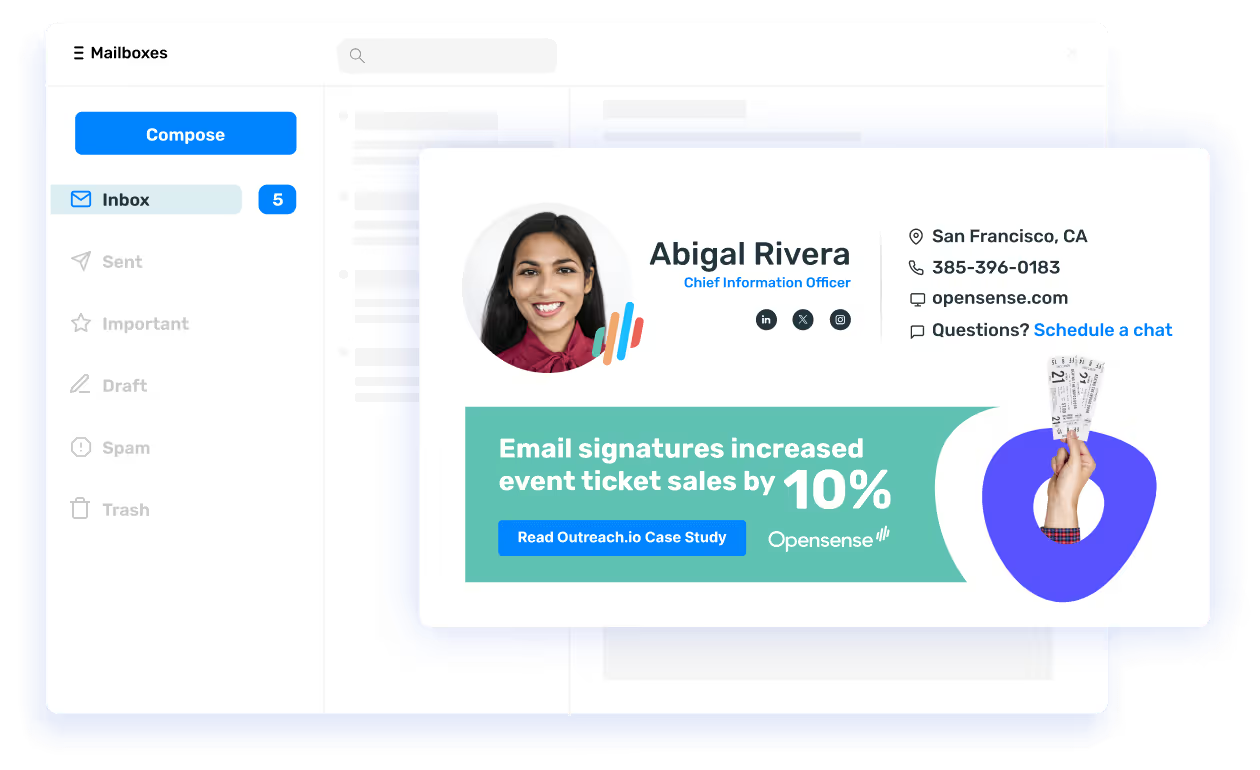
From browser plugin to enterprise platform.
WiseStamp is great for individuals and small teams. When you need guaranteed coverage on every device, centralized IT control, CRM integration, and compliance, you need Opensense.
Get demo