

Newoldstamp vs Opensense: SMB vs Enterprise Email Signatures
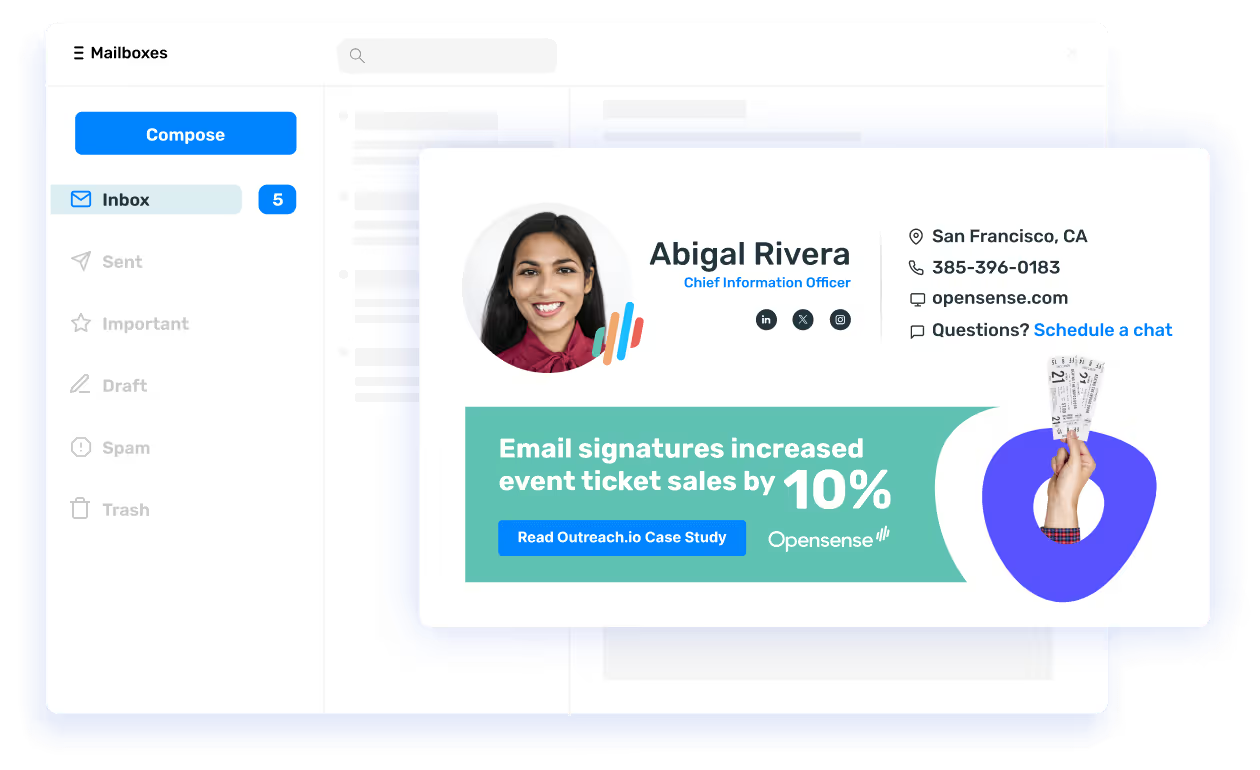
Opensense offers an easy-to-use platform to manage your company email signatures, email ad campaigns, sales tracking, and compliance.

What's the difference?
See how Opensense stacks up in features in comparison to

Openense helps marketing, sales, and IT teams unlock the power of employee email to drive revenue, build brand, and strengthen security and compliance across every message.


Microsoft 365, Exchange & Google Workspace



What's the difference?
See how Opensense stacks up in features in comparison to
Openense helps marketing, sales, and IT teams unlock the power of employee email to drive revenue, build brand, and strengthen security and compliance across every message.
Microsoft 365, Exchange & Google Workspace
Overview of Newoldstamp
Newoldstamp is an email signature management platform originally founded in Ukraine in 2015, now headquartered in San Francisco, California. The company has built its reputation serving small and mid-size businesses with an accessible, user-friendly approach to email signature creation. Newoldstamp offers a drag-and-drop signature editor that allows non-technical users to design professional-looking email signatures without any HTML knowledge. The platform supports Google Workspace, Microsoft 365, and Exchange, and provides basic banner ad capabilities for marketing teams who want to promote content through employee email signatures.
For smaller organizations looking for an affordable entry point into email signature management, Newoldstamp delivers a straightforward solution. The platform handles core signature tasks well, template design, department-based signature assignment, and basic analytics on banner clicks. Newoldstamp has earned a loyal following among startups and growing companies that need to standardize their email signatures without a large budget or a dedicated IT team to manage the deployment.
Key Differences Between Newoldstamp and Opensense
Platform Support and Deployment
Newoldstamp supports Google Workspace, Microsoft 365, and Exchange with client-side signature deployment. This means signatures are applied on the sender's device or through mail client settings, which can lead to inconsistencies when employees send email from different devices or clients. Opensense uses server-side signature injection, meaning signatures are applied at the mail server level before the email reaches the recipient. This guarantees that every outgoing email, whether sent from a desktop, a mobile phone, a shared mailbox, or a forwarded message, displays the correct, up-to-date signature. For organizations with employees using multiple devices or working across platforms, this architectural difference has a meaningful impact on brand consistency.
Marketing and CRM Integration
Newoldstamp provides basic banner campaigns that allow companies to add clickable images below their email signatures. These banners can be scheduled and rotated, which covers the fundamentals of signature-based marketing. Opensense takes email signature marketing significantly further with native integrations into Salesforce and HubSpot, enabling marketing teams to target specific signature banners based on CRM data, such as deal stage, industry, account owner, or ABM target lists. Opensense also supports A/B testing of banner creative, allowing teams to optimize click-through rates with real data rather than guesswork. This level of CRM-driven personalization is not available in Newoldstamp.
Analytics and Buyer Intent
Newoldstamp tracks basic metrics such as banner impressions and clicks. Opensense provides a deeper analytics layer that includes multi-recipient tracking, buyer intent signals, and engagement data that flows directly back into your CRM. Revenue teams can see which prospects are clicking on signature content and use those signals to prioritize outreach. Opensense also offers video replay analytics for embedded video content, giving sales teams visibility into how deeply prospects engage with shared resources.
Compliance and Enterprise Security
Newoldstamp is designed primarily for SMB use cases and does not emphasize enterprise-grade compliance certifications. Opensense holds SOC 2 certification across all five trust principles and supports Microsoft GCC High, which is required for government contractors and organizations handling controlled unclassified information under FedRAMP and ITAR standards. For organizations in regulated industries, financial services, healthcare, defense, and government, Opensense meets security and compliance requirements that Newoldstamp was not built to address.
Who Should Choose Newoldstamp?
Newoldstamp is a good fit for small businesses and startups that need an affordable, easy-to-use email signature tool without complex deployment requirements. If your organization has fewer than 100 employees, operates primarily within a single email platform, and needs basic signature standardization with simple banner capabilities, Newoldstamp provides solid value at a lower price point. Teams that prioritize a visual drag-and-drop editor and do not require CRM integration or advanced analytics will find Newoldstamp capable for their needs.
Who Should Choose Opensense?
Opensense is the right choice for mid-market and enterprise organizations that need email signature software capable of scaling across hundreds or thousands of employees. Marketing teams that want to run CRM-targeted banner campaigns with A/B testing, revenue teams that need buyer engagement data from every email, and IT teams that require server-side deployment with SOC 2 compliance and GCC High support will all benefit from what Opensense delivers. If your organization has outgrown basic signature management and wants to turn employee email into a measurable marketing and sales channel, Opensense provides the platform to do it.
Frequently Asked Questions
Can I migrate from Newoldstamp to Opensense?
Yes. The Opensense onboarding team manages the full migration, including rebuilding your existing signature templates, importing employee data from your directory, and configuring deployment rules to match your organizational structure. Most migrations are completed within a few business days with no disruption to end users, your employees continue sending branded emails throughout the transition. Visit our case studies to see how other organizations have made the switch.
Does Opensense work for small teams too?
Opensense serves organizations of all sizes, though its feature set is designed to deliver the most value for teams that want marketing, analytics, and CRM capabilities alongside signature management. Even smaller teams benefit from server-side deployment and consistent rendering across all devices. As your organization grows, Opensense scales with you, adding users, departments, and campaigns without needing to switch platforms.
How does Opensense handle mobile email signatures?
Because Opensense uses server-side injection, signatures are applied before the email is delivered to the recipient. This means signatures render correctly and consistently on every device and email client, including iPhone Mail, Android Mail, Outlook mobile, and Gmail on mobile. Client-side solutions like Newoldstamp depend on the sending device to apply the signature, which can result in missing or broken signatures when employees send from mobile devices or webmail clients that do not support the signature plugin.
See the difference today!
Form loading... Request a demo
Why choose Opensense?

Enterprise-grade Product
Backed by Bloomberg and built on ultra-redundant multi-cloud environment with fine-grain access and control.

Enterprise-grade Support
24/7 US-based support (phone & email), dedicated Customer Success Managers, and technical contacts.

Enterprise-grade Security
SOC2 compliant, McAfee Enterprise Ready certified, AppExchange approved, with independent security audits.
Used by the brands you depend on



Security
We comply with global data protection and security frameworks.
We know your data is sensitive. That's why we combine enterprise-grade security features with regular audits to ensure that you're always protected.



Guard your brand. Grow your funnel.
From beautiful email signatures and powerful ad campaigns to sales analytics and email compliance, Opensense can help you make the most of employee email.
Get demo